
How to build your own market structure
Before you can start analysing markets using Concentrate, you need to define your market structure. This includes setting up your geographic and product hierarchies, along with the key metrics and companies relevant to your case.
Once complete, this structure becomes the foundation for all your data input and analysis.
What you need to complete
To proceed, you must add:
Market taxonomy
A geographic hierarchy
A product hierarchy
At least one concentration metric
At least one key company
1. Market taxonomy
The market taxonomy is where you define both your geographic and product markets.
Use the toggle at the top to switch between:
Geographic market
Product market

You will need to build both before moving forward.
1.1 Add a top category
To create a top-level category:
Type the category name into the input field
Press Enter or click the + button, it will then appear in the section below.
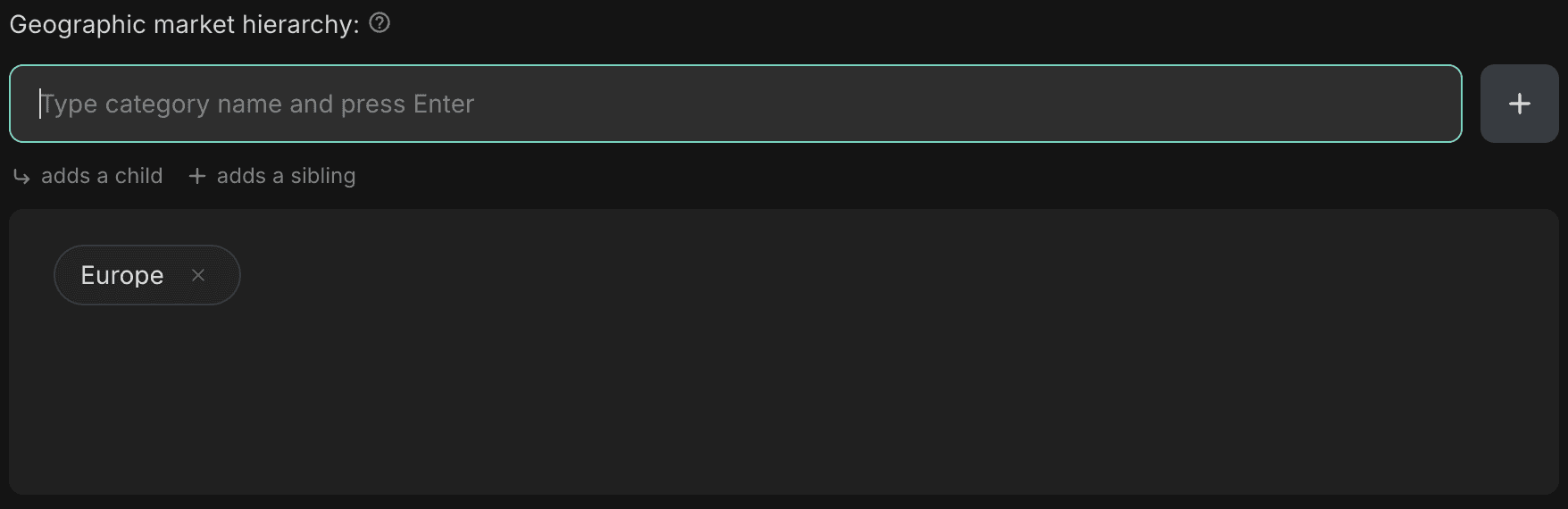
This will add a new top-level item to your hierarchy (e.g. Europe for geographic market, Beverages for product market).
1.2 Add a child category
There are two ways to add a child category.
Approach 1 - Add directly under a parent
Hover over the parent category
Click the arrow icon

You will see “Adding child under: [category name]” above the input field

Type the new category and press Enter, the new category will be added as a child of the selected parent.

Approach 2 - Add first, then restructure
Add the category using the top input field (as a top-level item)
Hover over the new category and click the three dots icon
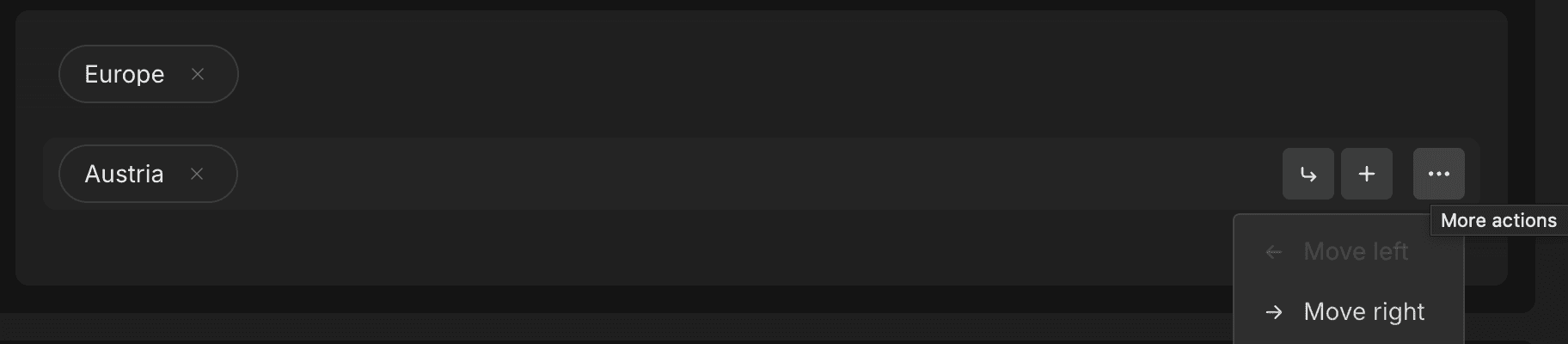
Select Move right, this will nest it under the previous category as a child.

1.3 Add a sibling category
To add a category at the same level:
Hover over an existing category
Click the + icon
You will see “Adding sibling below: [category name]” above the input field
Type the new category and press Enter, this will place the new category at the same level.

Alternatively, the same add first, then restructure approach works for adding a sibling category.
2. Concentration metrics
Add the metrics you want to use for your analysis.
Type the metric name into the input field
Press Enter to add it
Common examples include:
Revenue
Sales

You only need at least one metric to continue.
3. Key companies
Add the companies relevant to your case.
Type the company name into the input field
Press Enter to add it
For example:
Unilever
Nestlé

You only need at least one company to proceed.
What happens next
Once all required fields are complete, you can click Create market structure.
You will then be able to start inputting and structuring your market data within this framework.
Sign up to our newsletter